JSON for Beginners: Read, Format and Fix It in Minutes
JSON runs the modern web — APIs, config files, and data exports all speak it. If raw JSON looks like a wall of brackets, this beginner-friendly walkthrough shows you how to read it, format it, and find the three errors that cause 90% of JSON headaches.
The whole grammar in one paragraph
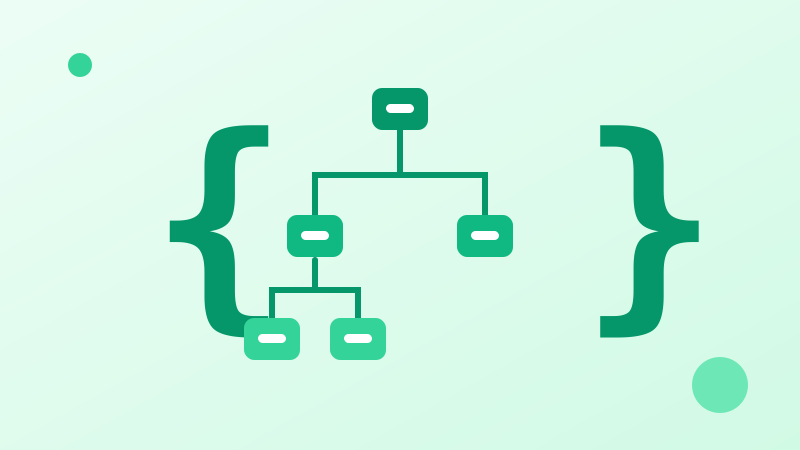
JSON has only six building blocks: objects { } (key–value pairs), arrays [ ] (ordered lists), strings "…", numbers, true/false, and null. Keys must be double-quoted strings, values are separated by commas, and there is never a comma after the last item. That is genuinely all of it.
Format first, debug second
Minified JSON hides its own structure. Running it through a formatter indents nested objects so your eyes can match brackets level by level. Most "mystery" API responses become obvious once they are indented consistently.
The three classic errors
1) Trailing commas after the last item — invalid in JSON, fine in JavaScript. 2) Single quotes instead of double quotes. 3) Unescaped characters inside strings, especially backslashes in Windows file paths. A validator points at the exact line; fix them in that order.
Put it into practice — free, right in your browser:
Try the JSON Formatter →